Discord server icon ideas
Eight icon ideas, plus banners, role icons, emojis and stickers. Every piece was drawn for this page as an example, with the size Discord asks for in the caption.
Click any picture to open it
Every size on one sheet
Checked against Discord's help center on 19 November 2026. Boost levels need 2, 7 and 14 Server Boosts. If a server drops a level, Discord keeps the art for a 72 hour grace period, then hides it until the level comes back.
| Asset | Size and file | Needs |
|---|---|---|
| Server icon | 128 x 128 minimum, crop in multiples of 128 | Any server (animated: Level 1) |
| Server banner | 960 x 540 or larger, 16:9 | Level 2 (animated: Level 3) |
| Invite background | 1920 x 1080, JPG or PNG, no GIF | Level 1 |
| Profile banner | 680 x 240 minimum, under 10MB | Nitro (member perk) |
| Role icon | 64 x 64, max 256KB, or an emoji | Level 2 |
| Sticker | 320 x 320 exact, PNG or APNG, max 512KB | 5 free slots, more with boosts |
| Custom emoji | Under 256KB, JPEG, PNG, GIF or WEBP | 50 slots, up to 250 at Level 3 |
How to pick a server icon
- 1
Start from what the server is
A study group, a clan, a fandom, a friend group. Write one sentence about it and pick the single noun in that sentence. That noun is usually your icon.
- 2
Pick a colour nobody else in the list has
Most members are in a dozen servers. A flat background colour is what they scan for first, before any shape.
- 3
Test it at the smallest size
Shrink it to 32 pixels and squint. If you cannot tell what it is, remove detail until you can.
- 4
No small text
A single letter works. A server name in tiny letters turns into noise in the server list.
- 5
Keep the edges empty
The corners get rounded off in the app, so leave space around the subject.
- 6
Plan a seasonal version
Same mascot, one changed prop. You get a fresh look for events without losing recognition.
The art is the part you can't redraw from memory
Channels you can rebuild in an afternoon. Two years of emojis and the sticker everyone spams are harder. Discord itself says a deleted sticker cannot be brought back. A nuked or deleted server takes all of it with it.
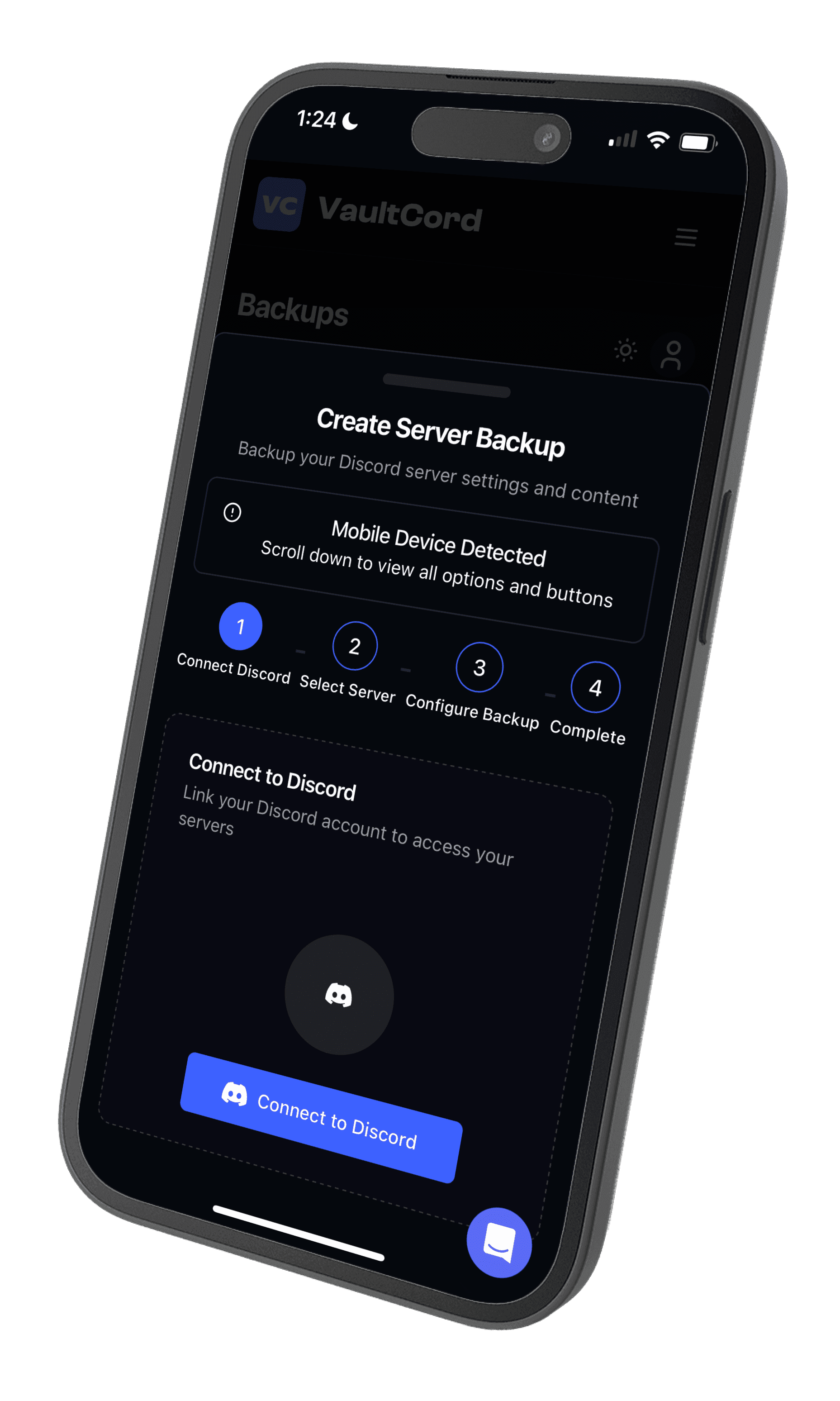
Every VaultCord plan backs up channels, categories, roles, permissions and server settings. Premium and Plus add messages, emojis, stickers, bans and member role assignments. Backups are kept for life, not rotated out after a short period. Plus can run backups on a schedule, so the latest emoji set is in there without you thinking about it.
- Run
/backupin the server - Or the dashboard, iOS and Android apps
- Restore into a new server after a nuke
- Pull verified members back, one member every 0.98 seconds, on every plan
Plans
Yearly billing saves 53% on Premium and 62% on Plus.
| Feature | Free | Premium | Plus |
|---|---|---|---|
| Price per month | $0 | $4.97, or $2.33 billed yearly | $9.97, or $3.83 billed yearly |
| Servers | 1 | 5 | Unlimited |
| Custom bots | 1 | 3 | Unlimited |
| Channels, roles, permissions, settings in backups | Yes | Yes | Yes |
| Emojis and stickers in backups | No | Yes | Yes |
| Messages, bans, member roles in backups | No | Yes | Yes |
| Scheduled backups | No | No | Yes |
Unlimited restorable members on every plan, Free included.
Questions
What size should a Discord server icon be?
Discord's minimum is 128x128 pixels. Work on a square canvas in a multiple of 128, such as 512x512, so the crop stays sharp. An animated icon needs Boosting Level 1.
What makes a good Discord server icon?
One clear shape that still reads at a tiny size: an initial, a mascot face, or one object that says what the server is about. Skip small text, keep the subject away from the corners and use two or three strong colours.
Can I use these example icons on my server?
They are examples drawn for this page to show ideas, not a download pack. Use them as a starting point and draw your own version, or brief an artist with the idea.
What size is a Discord server banner?
Discord recommends at least 960x540 at 16:9. A 1920x1080 file is resized for you. Static banners need Boosting Level 2 and animated banners need Level 3.
Does VaultCord back up my emojis and stickers?
Yes, on Premium and Plus. Every plan backs up channels, categories, roles, permissions and server settings. Paid plans add messages, emojis, stickers, bans and member role assignments, and backups are kept for life.
Are custom stickers deleted when a server loses boosts?
No. Discord keeps them, but stickers in a level you lost are locked until the server reaches that level again. Deleting a sticker is permanent, so a backup is the only way back from that.
Every picture on this page was drawn for this site as SVG. They are examples, not real servers, and no stock or third-party art is used.